
Leap displays one page at a time rather than popping up windows or opening multiple tabs in the browser. We’ve found this “single page app” approach to be the most tablet-friendly design. Nevertheless, you can still have multiple workforms open during your session.
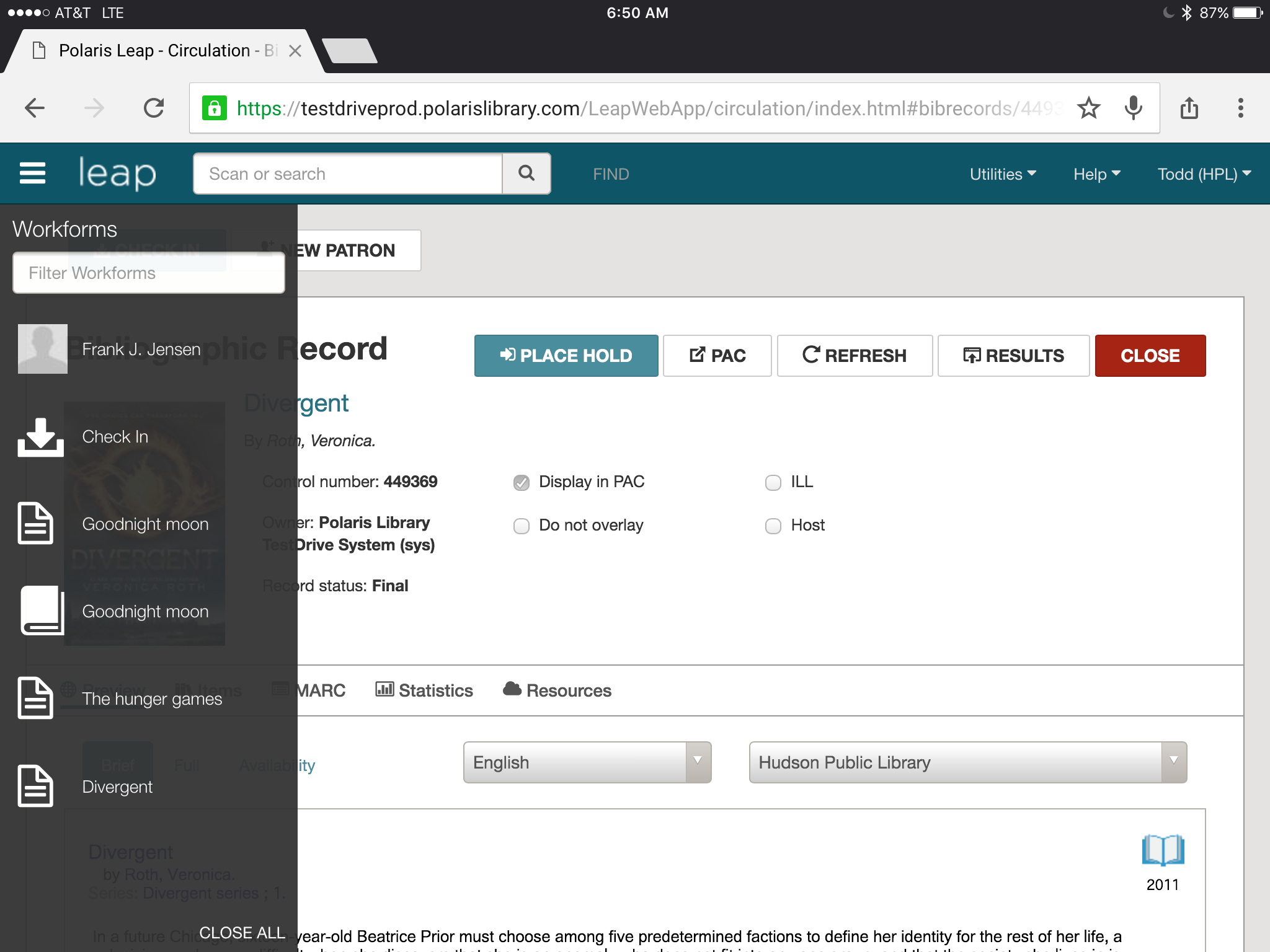 To switch between your various active workforms, simply click or tap the menu icon in the upper left corner and you’ll get a list of all your workforms. Just select a workform from the list to make it your active workform.
You can close workforms individually or you’ll notice there is a “Close ALL” option at the bottom right corner of the workform list.